Introduction
Have you ever plugged your phone in to charge, left it on a desk or bedside table, and wondered if someone might be secretly checking your messages, photos, or apps while you’re away?
In 2026, smartphone security has become more important than ever. Our phones contain banking information, personal conversations, social media accounts, work documents, and countless private details. Even a few minutes of unauthorized access can compromise your privacy.
Fortunately, there are several hidden security tricks that can help you detect whether someone has been using your phone while it was charging. In this guide, you’ll learn practical methods to catch unauthorized users and strengthen your smartphone security.
Why People Access Phones While They’re Charging
Many people leave their phones unattended during charging because they assume the device is safe. However, charging time is one of the easiest opportunities for someone to access your phone.
Common reasons include:
- Reading private messages
- Checking social media accounts
- Viewing photos and videos
- Accessing banking or payment apps
- Gathering personal information
This is why modern smartphone security features are becoming increasingly valuable.
The Hidden Security Trick of 2026: Check Device Activity Logs
One of the most effective ways to catch someone using your phone is by monitoring activity logs.
Most modern Android and iPhone devices record:
- Screen wake ups
- App launches
- Device unlocks
- Notification interactions
- Charging sessions
If your phone shows activity during a period when you were not using it, that’s a strong sign someone accessed the device.
How to Check Activity
For Android Users
Many Android phones include:
- Digital Wellbeing
- Screen Time Reports
- Device Care
- App Usage Statistics
Review app activity during the charging period. If apps were opened while you were away, you’ll see the timestamps.
For iPhone Users
Open:
Settings → Screen Time
You can view:
- App usage history
- Screen pickups
- Notification activity
- Unlock frequency
Unexpected activity may reveal unauthorized access.
Enable Lock Screen Security Alerts
Another smart trick is enabling lock screen notifications and security alerts.
Many smartphones now notify users when:
- Multiple incorrect passcodes are entered
- Face recognition fails repeatedly
- Fingerprint authentication attempts occur
- Security settings are changed
These alerts can help identify suspicious activity quickly.
Pro Tip
Use a strong passcode instead of a simple four digit PIN. Longer passwords significantly increase security.
Use Intruder Detection Apps
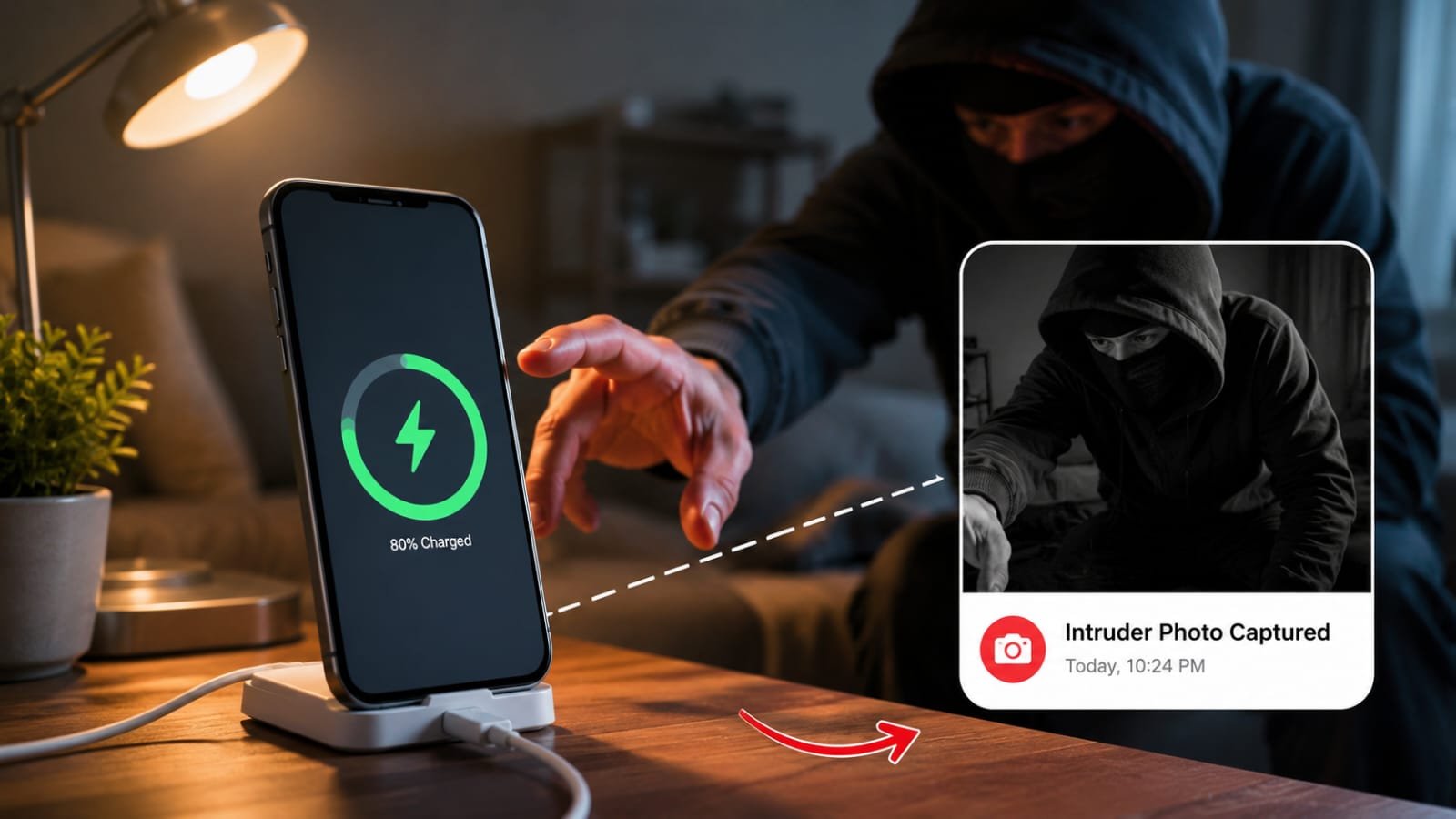
A growing trend in 2026 is the use of intruder detection applications.
These apps can:
- Take a selfie of anyone entering the wrong password
- Record unlock attempts
- Save timestamps
- Generate security reports
Popular security tools often capture evidence automatically without the intruder realizing it.
This feature is particularly useful if you regularly charge your phone in shared spaces such as offices, dormitories, or public areas.
Monitor Recently Opened Apps
A surprisingly simple method is checking recently opened applications.
Look for apps you haven’t used recently but appear in:
- Recent Apps menu
- App activity history
- Screen Time reports
For example, if you charged your phone overnight and discover messaging apps, photo galleries, or social media platforms were opened at 2:00 AM, someone may have accessed your device.
Turn On Biometric Security
Biometric protection remains one of the strongest smartphone defenses.
Face Recognition
Modern facial recognition systems are faster and more accurate than ever.
Benefits include:
- Instant authentication
- Difficult to bypass
- Activity tracking features
Fingerprint Unlock
Fingerprint sensors provide another layer of protection and help reduce unauthorized access attempts.
Combining biometrics with a strong passcode creates maximum security.
Use Charging Mode Security Features
Several smartphone manufacturers introduced advanced charging security features in 2026.
These include:
- Charging only lock mode
- USB protection
- Auto lock during charging
- Unauthorized access alerts
When enabled, the phone becomes significantly harder to access while connected to a charger.
Check your device settings to see whether these features are available.
Additional Tips to Protect Your Phone
Keep Your Device Updated
Security updates often patch vulnerabilities that intruders may exploit.
Disable Sensitive Notifications
Prevent messages and verification codes from appearing on the lock screen.
Use Two-Factor Authentication
Even if someone accesses your phone, they may still be unable to access important accounts.
Lock Important Apps
Many banking and messaging apps allow additional fingerprint or PIN protection.
Conclusion
As smartphones continue to store more of our personal lives, protecting them becomes increasingly important. The hidden security trick of 2026 isn’t a single secret feature it’s a combination of activity monitoring, security alerts, biometric protection, and smart privacy habits.
By checking device activity logs, enabling intruder detection tools, reviewing app usage history, and activating advanced security features, you can quickly discover whether someone has been using your phone while it’s charging.