

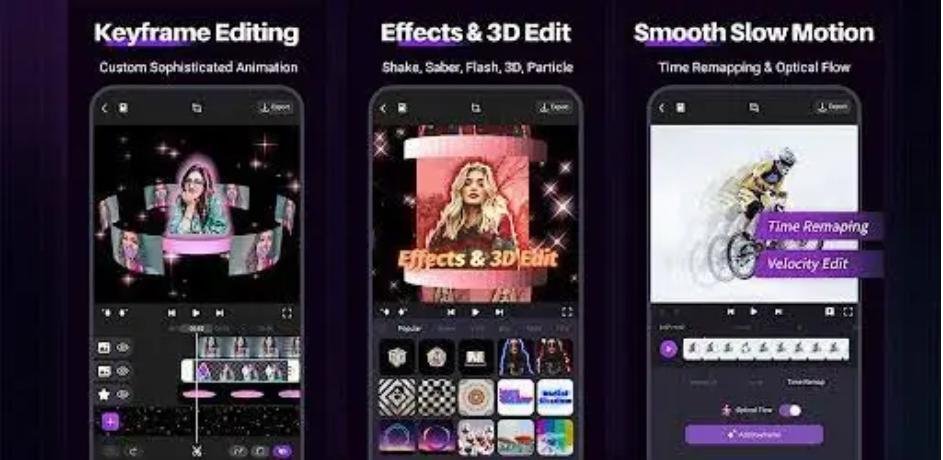
In a world where content is king, 3D video editing is quickly becoming the crown jewel. Whether you’re a YouTuber, filmmaker, or digital marketer, using a powerful 3D video editor can transform ordinary footage into immersive, cinematic experiences. From eye catching animations to realistic visual effects, 3D editing opens a whole new dimension of creativity.
Let’s break it down in a simple, practical way so you can understand how it works and how to start using it effectively.
What Is a 3D Video Editor?
A 3D video editor is software that allows you to create, edit, and manipulate videos in a three-dimensional space. Unlike traditional 2D editing, it adds depth, perspective, and realistic motion, making your visuals more engaging.
These tools are widely used in:
- Film and animation industries
- YouTube and social media content
- Gaming and virtual reality
- Advertising and marketing campaigns
Top 3D Video Editing Software
Here are some of the most popular and powerful tools you can use:
1. Blender
- Free and open source
- Ideal for beginners and professionals
- Offers modeling, animation, rendering, and video editing
2. Adobe Premiere Pro + Adobe After Effects
- Industry standard tools
- Great for combining 2D and 3D effects
- Advanced plugins for realistic animations
3. DaVinci Resolve
- Powerful color grading tools
- Supports advanced visual effects
- Free version available
4. Final Cut Pro
- Optimized for Mac users
- Smooth performance and professional features
- Works well with 3D plugins
Key Features of a Good 3D Video Editor
1. 3D Modeling and Animation
A strong editor allows you to create objects, characters, and environments in 3D space.
2. Visual Effects (VFX)
Add explosions, lighting effects, and realistic transitions to make your videos stand out.
3. Motion Tracking
Track objects and apply effects that move naturally with your footage.
4. Rendering Engine
A fast and high quality rendering system ensures your final output looks professional.
How to Choose the Best 3D Video Editor
Choosing the right tool depends on your needs and experience level.
For Beginners
- Start with free tools like Blender
- Look for easy tutorials and community support
For Professionals
- Invest in tools like Adobe Premiere Pro and After Effects
- Choose software with advanced VFX and rendering
For Budget Users
- DaVinci Resolve offers premium features for free
Practical Tips for Better 3D Video Editing
Keep It Simple First
Don’t try to master everything at once. Start with basic animations and effects.
Use High-Quality Assets
Download quality 3D models and textures to enhance your projects.
Focus on Lighting
Good lighting can make your 3D scenes look realistic and professional.
Optimize Performance
3D editing can be heavy on your system. Use optimized settings and a good GPU.
Real-Life Example
Imagine you’re creating a YouTube intro. Instead of a flat logo, you can:
- Turn your logo into a 3D object
- Add rotation and lighting effects
- Create a cinematic zoom-in animation
This small upgrade can significantly increase viewer engagement and make your brand look premium.
Why 3D Video Editing Matters in 2026
With the rise of platforms like TikTok, YouTube Shorts, and VR content, 3D visuals are no longer optional they’re a competitive advantage. Brands and creators using 3D editing are seeing:
- Higher engagement rates
- Better storytelling impact
- Increased monetization opportunities
Conclusion
A powerful 3D video editor can completely change how your content looks and feels. Whether you’re just starting out or aiming to create professional-grade videos, the right tools and techniques will help you stand out in a crowded digital space.
